

How to Register for Classes in the Member Hub

Sep 15, 2026
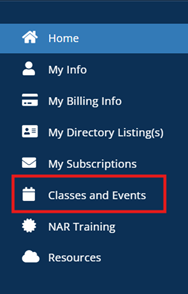
Once you have signed into your Member Hub account, use the menu on the left side of the screen to click on Classes and Events.
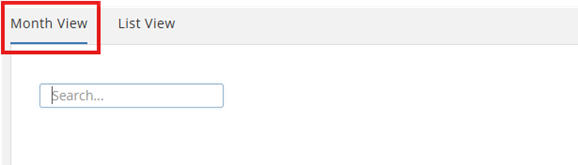
Choose a class using either Month View or List View. The Month View is recommended to view the full calendar.
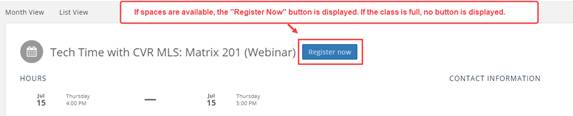
If class spaces are available, a Register Now button will appear next to the class title. Click this button to begin the registration process.
If the class is full, the Register Now button will not be displayed, and registration will not be available.
If you have any questions, please call (804)422-5000 or email [email protected].

