How to Edit Criteria in an existing Auto-Email

Jan 27, 2026
Editing your criteria in an existing auto-email is easy.
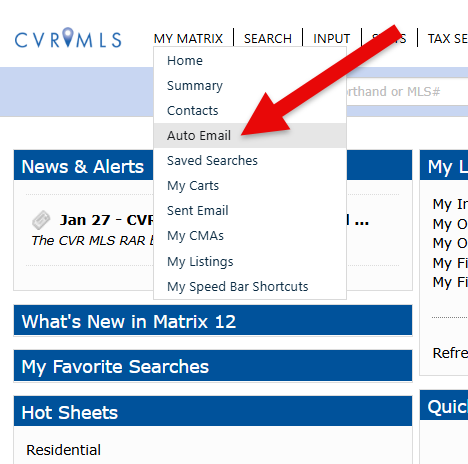
Existing Auto Emails can be found in the My Matrix dropdown list.
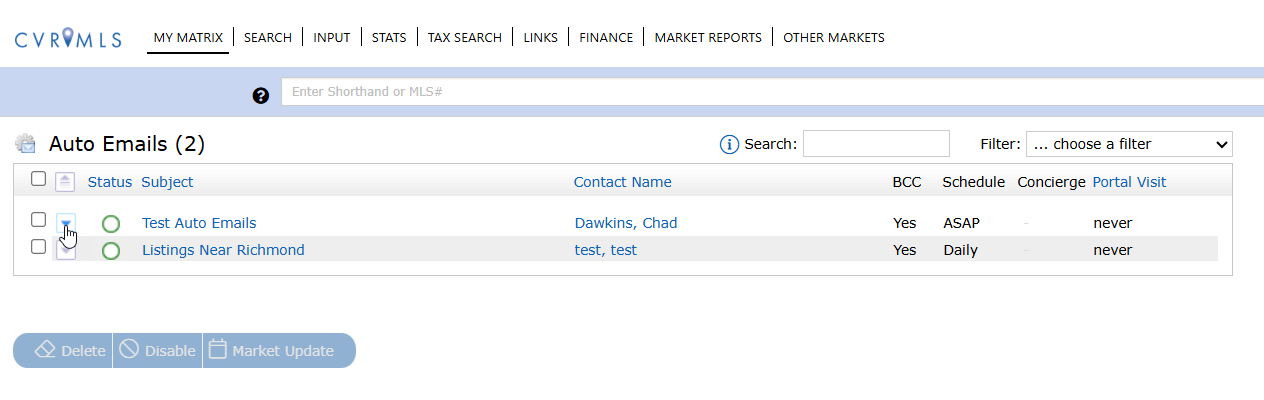
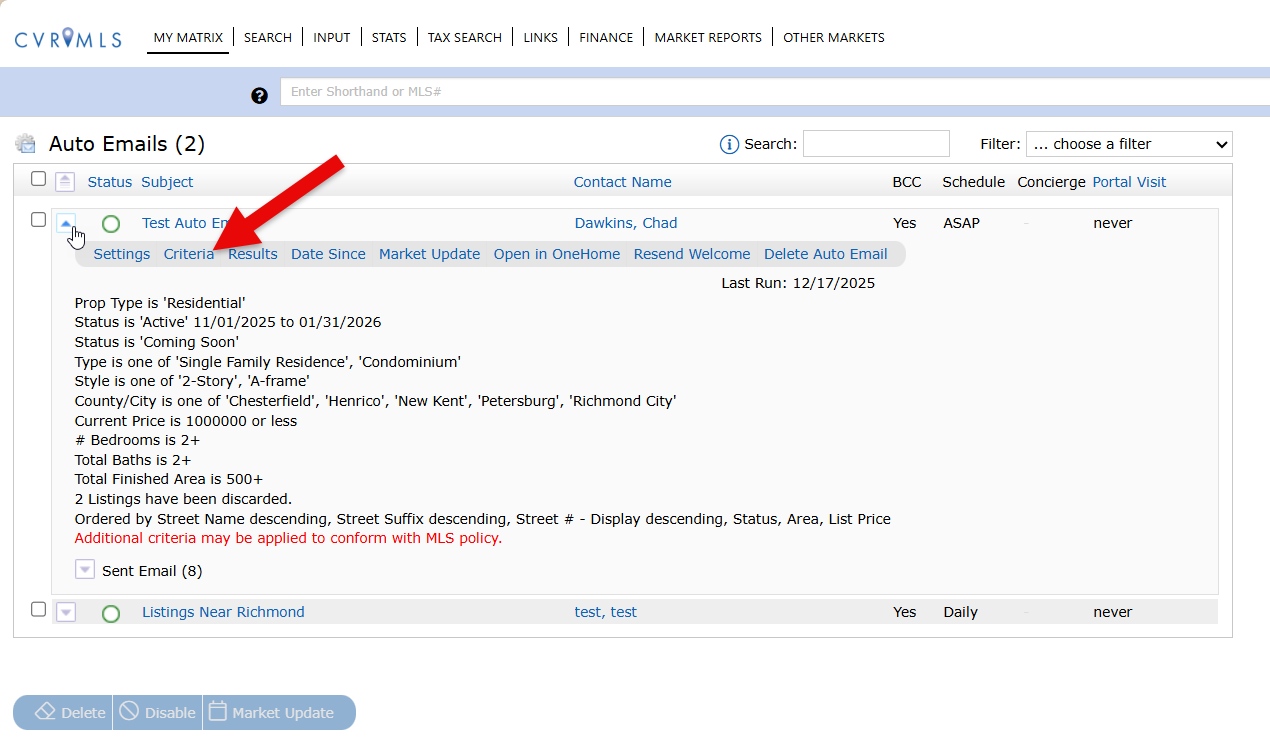
Next click the down arrow on the Auto Email and click Criteria.
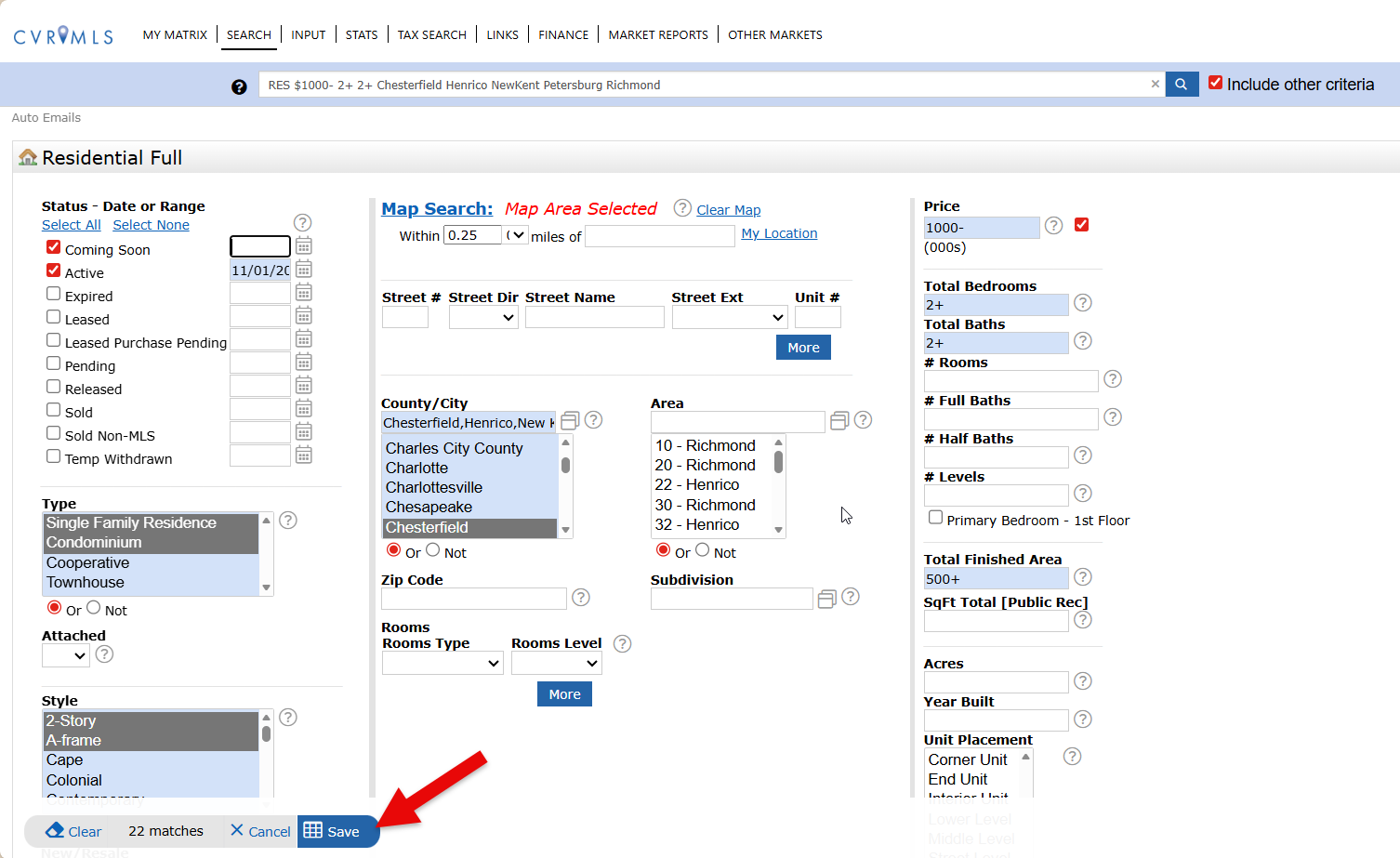
Here you can make the appropriate updates and changes. Once complete, be sure to hit the blue Save button.